
How to Automate Appointment Booking with 24/7 Voice AI (Google Calendar & Outlook)

Listen to the podcast
Audio version of this article
How to Automate Appointment Booking with 24/7 AI Voice Agents & Live Calendar Sync
Phone-based appointment scheduling has traditionally been one of the biggest time-drains for service businesses, medical clinics, legal offices, and sales teams.
Staff spend dozens of hours every week playing phone tag, checking calendar availability, rescheduling cancellations, and sending reminder texts.
In 2026, Voice AI Agents with Real-Time Calendar Integrations can automate 100% of phone booking workflows while delivering a faster, smoother experience for your customers.
In this step-by-step guide, we demonstrate how askingAi Voice Agents integrate with Google Calendar, Microsoft Outlook, and Cal.com to book, reschedule, and confirm customer appointments automatically.
1. How Real-Time Voice Calendar Booking Works
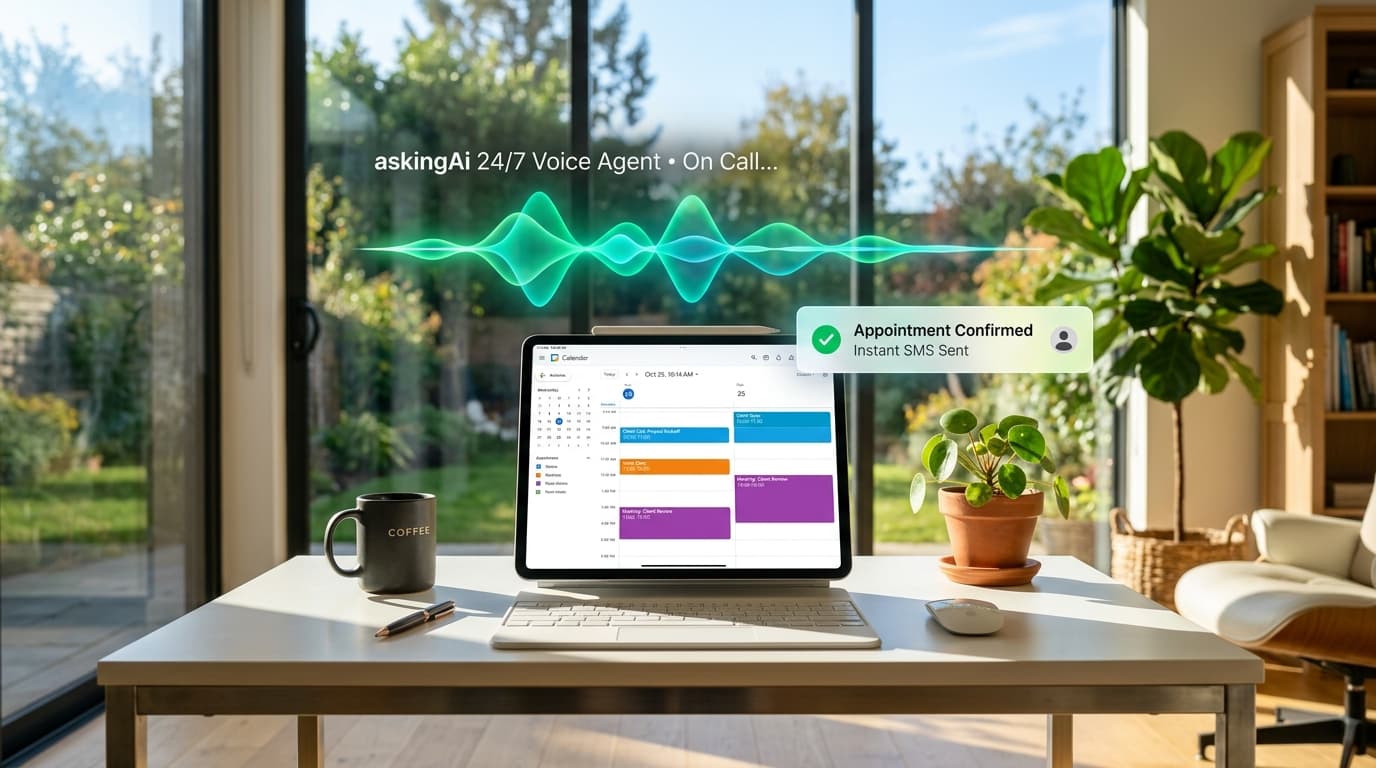
When a caller asks to schedule an appointment, the askingAi Voice Agent does not just take a message. It connects directly to your calendar via secure APIs:
- Availability Check: The AI checks your real-time availability, factoring in your working hours, existing meetings, and customized buffer times (e.g., 15 minutes between appointments).
- Conversational Negotiation: The AI suggests open slots: "I have an opening this Thursday at 10:30 AM or Friday at 2:00 PM with Dr. Chen. Which time works better for you?"
- Instant Slot Reservation: Once the caller selects a time, the AI reserves the slot immediately to prevent double-booking.
- Data Capture & Confirmation: The agent collects the caller's name, email, and mobile number, inserts the event into your calendar with full meeting notes, and triggers an automated SMS confirmation with a calendar invite.
Ready to put AI agents to work?
Order your askingAi AI Agent Mini PC today and start from dedicated, always-on hardware.
2. Supported Calendar & CRM Integrations
askingAi Voice Agents integrate seamlessly with all major scheduling and customer relationship management platforms:
- Calendars: Google Calendar, Microsoft Outlook 365, Apple iCloud Calendar, Cal.com.
- CRMs: HubSpot, GoHighLevel, Salesforce, Zoho, Pipedrive.
- Service Platforms: Jobber, Housecall Pro, ServiceTitan, Jane App, Dentrix.
- Webhooks & Automation: Zapier, Make, and native REST API webhooks for custom internal databases.
3. Step-by-Step Setup Guide
Setting up your AI appointment booking receptionist takes less than 15 minutes:
Step 1: Connect Your Calendar
Authorize your Google Calendar or Outlook 365 account in your askingAi management dashboard. Choose the specific calendar or staff members available for booking.
Step 2: Define Scheduling Rules
Set your buffer times, appointment durations (e.g., 30-minute consultation vs. 60-minute new patient exam), and maximum booking horizon (e.g., allow bookings up to 30 days in advance).
Step 3: Configure SMS & Email Notifications
Customize the instant confirmation text message and reminder alerts sent to callers after an appointment is confirmed.
Step 4: Test Your Booking Flow Live
Call your assigned askingAi phone number, request an appointment, and watch the event appear on your Google Calendar in real time!
Ready to put AI agents to work?
Order your askingAi AI Agent Mini PC today and start from dedicated, always-on hardware.
4. Talk to askingAi's Live Voice Assistant That Does It All
Ready to hear how askingAi's voice assistant handles appointment scheduling, inquiries, and customer calls?
Call askingAi's 24/7 Voice Assistant: (480) 448-5412
Ask our voice assistant to schedule a consultation or explain how calendar sync works.
Visit our Voice Agents Product Page to select your plan or Order Your Voice Agent today!
Ready to put AI agents to work?
Order your askingAi AI Agent Mini PC today and start from dedicated, always-on hardware.
Related Articles
Continue exploring AI agents, automation, and small-business hardware.

AI Lead Generation for Real Estate Agents: The Complete 2026 Guide to 24/7 Speed-to-Lead, Automated Qualification, and Zero-SaaS Infrastructure

Bring Your Own Hardware (BYOH): Turn Any Spare PC into a 24/7 Autonomous AI Hub for Just $300
AI Voice Agents for Small Business: The Complete 2026 Guide
Become part of our community


Join the many who have already joined our A.i Newsletter.