Mini PC vs Cloud AI: Which Is Better for Small Businesses?

Mini PC vs Cloud AI: Which Is Better for Small Businesses?
Small businesses are under pressure to move faster without adding more overhead. Customer questions arrive after hours, invoices pile up, leads need follow-up, and owners still have to make decisions with limited time and staff. AI agents can help with those repetitive workflows, but one important question comes first: should your business run AI automation from cloud services, or should it use dedicated local hardware like the askingAi AI Agent Mini PC?
The honest answer is that both approaches can be useful. Cloud AI is convenient, scalable, and already familiar to many software teams. A local AI mini PC gives you more direct control over where your automation runs, how your data moves, and whether your agents stay available even when a laptop is closed or a shared workstation is busy.
For many small businesses, the best decision is not based on hype. It comes down to ownership, privacy, reliability, cost predictability, and the kind of work you want AI agents to handle every day.
The Problem: AI Tools Are Helpful, but the Setup Can Be Fragile
Many businesses start with AI in the simplest way possible: someone opens a browser, signs in to a cloud tool, and begins experimenting. That is fine for drafting a few emails or summarizing a document. It becomes less practical when AI moves from occasional help to daily operations.
A real AI agent workflow may need to monitor inboxes, respond to common customer questions, prepare reports, organize documents, route leads, or trigger follow-up tasks. Those jobs should not depend on one employee remembering to keep a browser tab open. They should not stop because a laptop went to sleep. They should not become difficult to audit because every workflow is scattered across personal accounts and temporary experiments.
Cloud-only AI can also create questions that small businesses cannot ignore:
- Which systems are sending data to outside services?
- Who controls the automation environment?
- What happens if a subscription changes or an online service is unavailable?
- How do you keep AI workflows running after hours?
- Can you predict costs as usage grows?
These are operational questions, not just technical ones. If AI agents are going to support customers, sales, admin, bookkeeping, or reporting, the business needs a stable place for those agents to live.
What Cloud AI Does Well
Cloud AI services are popular for good reasons. They are easy to access, require no local server setup, and can connect to powerful hosted models. If your team needs occasional writing support, brainstorming, document summaries, or one-off research, cloud AI may be the fastest starting point.
Cloud platforms can also be useful when you need very large model capacity or when your workflow is already built around hosted software. For example, a marketing team may use cloud tools to draft campaign ideas, compare messaging, or summarize customer feedback. A developer may use hosted APIs to prototype an AI feature quickly.
The tradeoff is that convenience often means less direct control. You are relying on external infrastructure, external accounts, and recurring services. That may be acceptable for some tasks. It may be less ideal for workflows that touch customer records, internal processes, or day-to-day operations.
What a Local AI Mini PC Does Differently
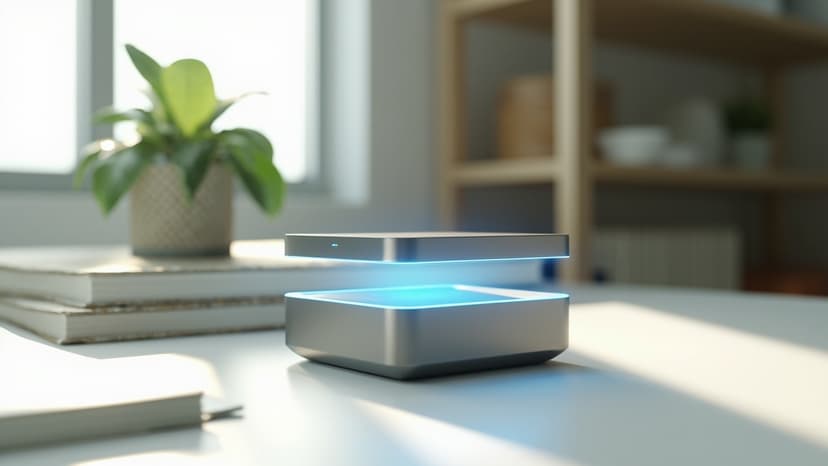
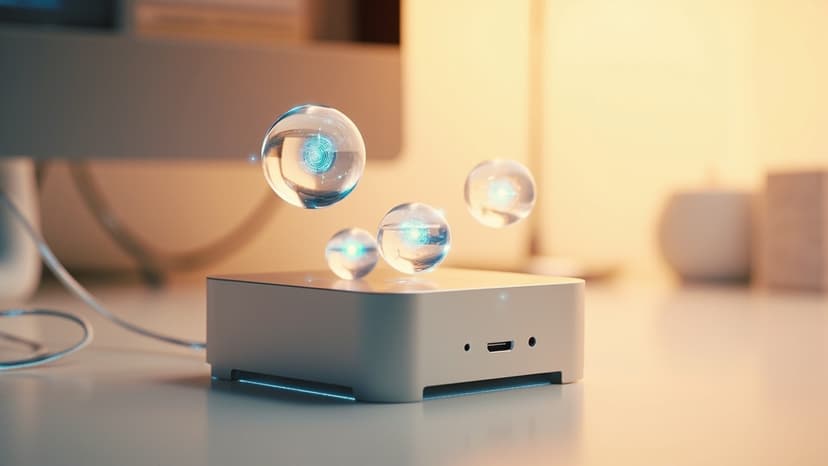
The askingAi AI Agent Mini PC is designed to give small businesses a dedicated place to run AI agent workflows. Instead of depending on a personal laptop or a collection of browser sessions, the business has a compact always-on device built for automation.
That matters because AI agents are most valuable when they are consistent. A customer service agent should be available after hours. An administrative assistant agent should keep up with follow-ups. A reporting agent should be able to run on schedule. A lead qualification agent should not stop because someone took their computer home.
Ready to put AI agents to work?
Order your askingAi AI Agent Mini PC today and start from dedicated, always-on hardware.
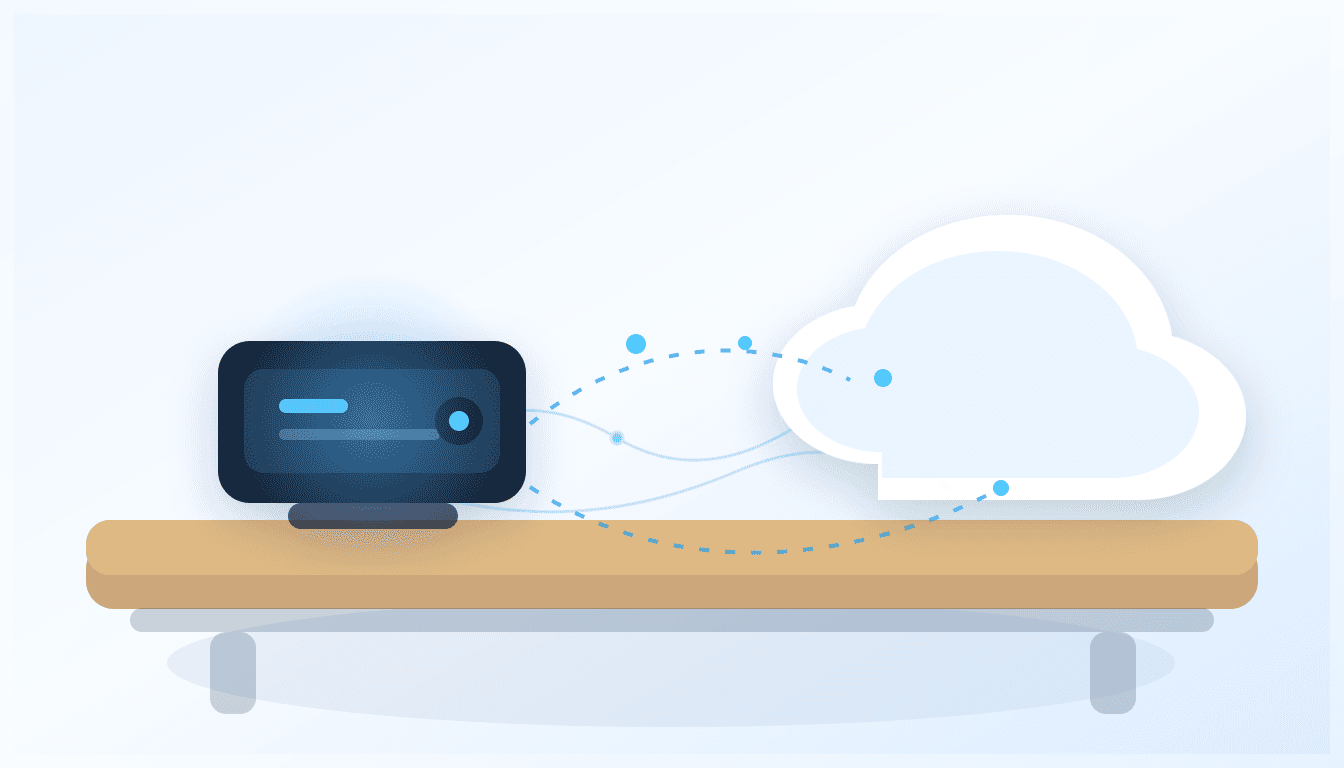
Local hardware also creates a clearer boundary. The mini PC can act as a controlled AI gateway for your business. You can decide which workflows run locally, which services they connect to, and how sensitive information is handled. You can still use cloud AI where it makes sense, but your automation is not completely dependent on cloud-only access.
Privacy and Data Control
For small businesses, privacy is often practical rather than theoretical. Customer names, appointment details, invoices, support requests, internal notes, and sales conversations may all contain information that should be handled carefully.
A local mini PC gives you more control over the automation environment. Workflows can be structured so data moves through a device your business owns. That does not mean every task must be fully offline, and it does not mean you never connect to external services. It does mean you can design your AI setup with a stronger local center of control.
For example, an AI agent may prepare a response draft locally, organize information from approved business folders, or route a task to the right person. If a cloud model is needed for a specific step, that step can be intentional rather than accidental. This approach helps reduce the habit of copying sensitive information into random tools just to get work done.
Reliability and Business Continuity
Cloud services can be reliable, but cloud-only workflows still depend on internet access, account status, service availability, and pricing terms. A local AI mini PC adds another layer of business continuity because your automation has a dedicated physical home.
For everyday operations, that can be a major advantage. The device can remain powered on in the office, connected to approved systems, and available for scheduled jobs. It is not competing with an employee’s personal workload. It is not paused because someone restarted their laptop. It is not tied to one user’s browser session.
This is especially important for companies that want AI agents to support repetitive tasks overnight or during weekends. An always-on mini PC can keep workflows organized even when the team is offline.
Cost Predictability
Cloud AI often starts cheap or even free, but costs can become harder to predict as usage grows. More users, more API calls, larger workflows, and extra subscriptions can add up. For small businesses, unpredictable monthly software costs can make automation feel risky.
A dedicated mini PC is different. It is a physical asset your business owns. There may still be optional software services or cloud model costs depending on how you configure your workflows, but the core automation environment is not just another rented browser tab. That can make budgeting easier, especially for businesses that want a stable AI foundation without turning every process into a new monthly bill.
The askingAi AI Agent Mini PC is positioned as practical business automation hardware: a compact device that can run the agent stack and serve as the base for your AI workflows.
Realistic Example: A Local Service Business
Imagine a small HVAC company with five technicians, one office manager, and a steady stream of calls, emails, quote requests, and service reminders. The team wants AI help, but they do not want customer details scattered across personal accounts.
With a cloud-only approach, the office manager might paste customer messages into an AI tool, ask for reply drafts, and manually update schedules. That helps, but it still depends on one person doing the work.
Ready to put AI agents to work?
Order your askingAi AI Agent Mini PC today and start from dedicated, always-on hardware.
With an AI Agent Mini PC, the business can create a more structured setup. An agent can monitor approved inboxes, identify common service requests, draft replies for review, summarize call notes, prepare daily job lists, and flag urgent messages. The device stays in the office and runs continuously. Cloud AI can still be used for certain language tasks if configured, but the workflow has a dedicated local hub.
The result is not magic and it does not replace good business judgment. It simply turns AI from a casual tool into a more dependable part of daily operations.
Key Benefits of a Local AI Mini PC
- Ownership: Your business owns the hardware that runs the automation environment.
- Always-on operation: Agents can keep working without depending on an employee laptop.
- Clearer control: You can manage which workflows run locally and which outside services are used.
- Better privacy posture: Sensitive workflows can be designed around a local gateway instead of ad hoc tool usage.
- Cost stability: A dedicated device can reduce dependence on stacking more cloud subscriptions for every workflow.
- Hybrid flexibility: Use local automation as the base and connect to cloud AI selectively when needed.
When Cloud AI May Be Enough
Cloud AI may be enough if your business only needs occasional writing help, brainstorming, summaries, or research. If no workflows need to run continuously and no sensitive operational data is involved, a hosted tool can be a reasonable starting point.
It may also be the right choice for highly specialized tasks that require large hosted models or advanced cloud integrations. The point is not that cloud AI is bad. The point is that cloud AI should be a deliberate tool, not the only foundation for business automation.
Who Should Consider the AI Agent Mini PC?
The askingAi AI Agent Mini PC is a strong fit for small businesses that want AI agents to become part of daily operations, not just occasional experiments. It is especially relevant for:
- Local service businesses handling customer requests and scheduling
- Retailers managing inventory, messages, and routine reports
- Professional offices that want help with admin and document workflows
- Agencies that need repeatable research, reporting, and follow-up processes
- Owners who want an always-on AI assistant without relying on a personal computer
If your business values privacy, ownership, and dependable automation, local AI hardware deserves serious consideration.
The Practical Answer: Local and Cloud Can Work Together
The best setup for many small businesses is hybrid. Use a local AI mini PC as the stable automation hub, then connect to cloud tools only where they add clear value. This gives you the convenience of modern AI without giving up control over your operating environment.
The askingAi AI Agent Mini PC is built for that practical middle ground. It gives your agents a dedicated home, helps keep workflows organized, and supports a more professional approach to small business AI automation.
Ready to Put AI on Hardware You Own?
If you are ready to move beyond scattered AI experiments, the askingAi AI Agent Mini PC gives your business a dedicated foundation for automation. It is built for owners who want practical AI agents, local control, and an always-on device that can support real workflows.
Order your AI Agent Mini PC or contact askingAi to discuss how local AI automation can fit your business.
Ready to put AI agents to work?
Order your askingAi AI Agent Mini PC today and start from dedicated, always-on hardware.
Become part of our community
Join the many who have already joined our A.i Newsletter.