
24/7 Autonomous Operation: Run AI Workflows After Hours

Listen to the podcast
Audio version of this article
24/7 Autonomous Operation: How Small Businesses Run AI Workflows After Hours Without Leaving Laptops Open
In small business operations, revenue opportunities do not stop when the office closes at 5:00 PM. Customers submit inquiries late at night, emergency service requests arrive over the weekend, and routine reporting needs to be ready before the Monday morning meeting.
However, relying on personal employee laptops to run background automations fails. Laptops sleep when closed, restart for system updates, disconnect from Wi-Fi, or leave the office.
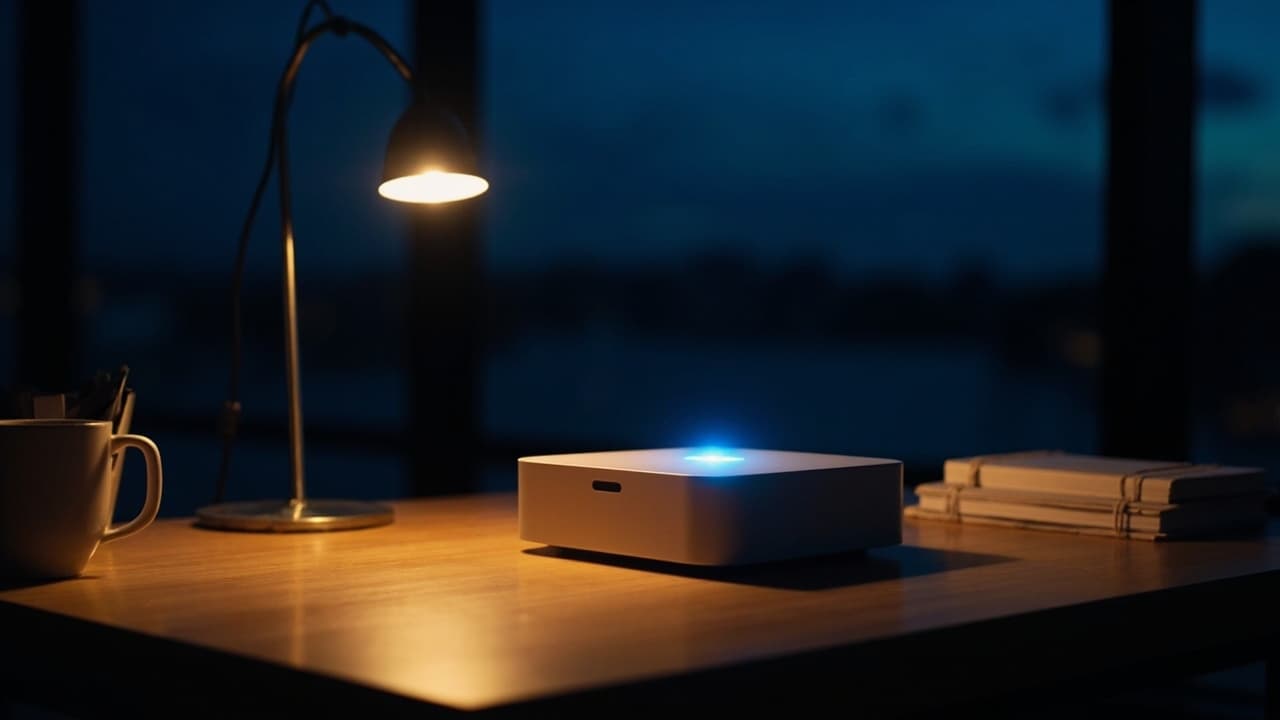
The askingAi AI Agent Mini PC ($499.99) eliminates this operational bottleneck. Acting as an always-on hardware gateway, it runs your custom-built AI agents 24 hours a day, 7 days a week, ensuring your business stays responsive around the clock.
This guide explores how 24/7 autonomous operations work, 5 high-impact overnight workflows, and how to maintain safe human-in-the-loop control while running continuous background AI.
1. Why Dedicated Hardware Outperforms "Leaving a Laptop On"
| Dimension | Leaving Employee Laptop On | askingAi Dedicated Mini PC |
|---|---|---|
| Continuity & Power | Interruptions from sleep mode & battery drain | Dedicated 24/7 wall power & silent cooling |
| System Updates | Random OS restarts halt background tasks | Enterprise Ubuntu Server scheduled daemons |
| Network Stability | Wi-Fi disconnects when laptop moves | Dedicated Gigabit Ethernet connection |
| Security & Privacy | Personal files mixed with business tasks | Isolated, dedicated business gateway |
| Employee Workload | Laptop tied up running heavy scripts | 0% impact on employee workstations |
2. 5 High-Impact 24/7 Overnight Workflows
Deploying your AI Agent Mini PC allows your business to automate routine tasks while your team sleeps:
Ready to put AI agents to work?
Order your askingAi AI Agent Mini PC today and start from dedicated, always-on hardware.
1. Overnight Lead Intake & Urgent Scoring
- What it does: Parses website form submissions received between 5:00 PM and 8:00 AM, scores urgency based on budget and location, and queues high-priority leads for instant morning outreach.
2. After-Hours Customer Service Triage
- What it does: Answers routine customer FAQs, gathers missing details for support tickets, and categorizes incoming emails so staff start the day with an organized inbox.
3. 7:00 AM Executive & Operations Briefings
- What it does: Consolidates yesterday's sales figures, inventory alerts, and technician schedules into a concise plain-English summary delivered to the owner's inbox before office hours.
4. Continuous Inventory & Supply Chain Monitoring
- What it does: Tracks stock thresholds across sales channels overnight and automatically flags low-stock items for reordering.
5. Draft Invoice & Receipt Reconciliation
- What it does: Matches uploaded job receipts with bank feeds overnight, preparing draft invoices for human review and approval.
3. Human-in-the-Loop: Maintaining Control Over 24/7 AI
Running 24/7 autonomous agents does not mean giving up control over your business decisions. Effective 24/7 setups use clear operational guardrails:
- Autonomous Intake & Organization: Agents autonomously parse, classify, score, and summarize incoming data 24/7.
- Drafting & Preparation: Agents prepare initial email replies, reports, or draft invoices in the background.
- Human Approval & Execution: Sensitive actions—such as sending final invoices, issuing customer refunds, or releasing public posts—require a staff member to click "Approve".
This structure ensures your business operates faster after hours while preserving 100% human oversight.
Ready to put AI agents to work?
Order your askingAi AI Agent Mini PC today and start from dedicated, always-on hardware.
4. Real-World Case Study: The 24-Hour Home Services Company
Consider a local HVAC or electrical contractor with 6 technicians:
- 11:30 PM (Customer Request): A homeowner's air conditioning unit fails overnight and submits an emergency repair form.
- 11:31 PM (Mini PC Execution): The Lead Qualification Agent running on the local mini PC parses the form, identifies emergency keywords, tags the service area, and queues an SMS notification.
- 07:00 AM (Morning Dispatch): The office manager opens the dashboard to find the emergency lead already qualified, categorized, and ready for scheduling.
- Result: The business books the job before competitors even open their office email.
5. Transparent Support Plans & Hardware Warranty
Every askingAi AI Agent Mini PC includes a 12-month hardware warranty and email support at no extra cost. Optional managed support tiers provide monthly token allocations and ongoing custom workflow updates:
| Support Tier | Monthly Cost | Included Tokens / Mo | Hardware Warranty | Support Channels | Custom Workflows |
|---|---|---|---|---|---|
| None (Included) | $0 / mo | Standard API | 12-Month Hardware | Email Support | Self-Service |
| Basic | $100 / mo | 500 Million Tokens | 12-Month Hardware | Email, Phone, Remote Assistance | AI Workflows Built For You |
| Pro | $250 / mo | 2.5 Billion Tokens | 12-Month Hardware | Priority Support & Fast Response | AI Workflows Built For You |
| Ultimate | $500 / mo | 6.0 Billion Tokens | Lifetime Hardware Warranty | VIP Dedicated Support | Custom Workflows + Dedicated AI Email |
6. Summary: Your Virtual Employee That Never Sleeps
The askingAi AI Agent Mini PC ($499.99) turns artificial intelligence from a tool you manually open in a browser into an always-on, 24/7 virtual workforce. By housing your custom-built AI agents on dedicated local hardware, your business gains continuous responsiveness, faster lead follow-ups, and a cleaner workday.
Ready to put AI agents to work?
Order your askingAi AI Agent Mini PC today and start from dedicated, always-on hardware.
Related Articles
Continue exploring AI agents, automation, and small-business hardware.

Become part of our community


Join the many who have already joined our A.i Newsletter.